
Chapter 3: Setting Up Authentication
In this chapter, you'll configure Rodauth for user authentication.
What is Rodauth?
Rodauth is a Ruby authentication framework that Plutonium uses for:
- User registration and login
- Password reset and email verification
- Multi-factor authentication
- Session management
Plutonium integrates Rodauth seamlessly with its portal system.
Installing Rodauth
Run the Plutonium Rodauth installer once per app. It creates the Rodauth app, plugin, and initializer:
rails generate pu:rodauth:install(No migration is needed yet; the account-type generator below creates its own tables.)
Creating an Account Type
Plutonium supports multiple account types. For admins, use the dedicated pu:rodauth:admin generator. It's a preset on top of pu:rodauth:account that enables 2FA, lockout, audit logging, and disables public signup:
rails generate pu:rodauth:admin admin
rails db:prepare
For self-service user accounts, the corresponding command is rails generate pu:rodauth:account user.
This creates:
Account Model (app/models/admin.rb)
class Admin < ResourceRecord
  include Rodauth::Rails.model(:admin)
end
Rodauth Plugin (app/rodauth/admin_rodauth_plugin.rb)
class AdminRodauthPlugin < RodauthPlugin
  configure do
    # Multi-phase login, 2FA, lockout, audit logging enabled
    enable :login, :remember, :logout, ...

    # No public signup - accounts created via rake task
    before_create_account_route do
      request.halt unless internal_request?
    end
  end
end
The generator also creates migrations for the account table and authentication features.
Gating the Portal with Authentication
In Chapter 2 you generated the admin portal with --public. Now that you have an admin Rodauth account, swap the portal over to require login. The fastest way is to re-run the portal generator with --auth=admin --force:
rails generate pu:pkg:portal admin --auth=admin --forceThis updates two files:
packages/admin_portal/app/controllers/admin_portal/concerns/controller.rb: swapsinclude Plutonium::Auth::Publicforinclude Plutonium::Auth::Rodauth(:admin), giving youcurrent_user,logout_url, andprofile_urlhelpers throughout the portal.packages/admin_portal/config/routes.rb: wraps the engine mount in a routes-level constraint:rubyconstraints Rodauth::Rails.authenticate(:admin) do mount AdminPortal::Engine, at: "/admin" end
The routes constraint is what actually gates access: unauthenticated requests to /admin/* are redirected to /admins/login before they hit any controller or policy.
(If you prefer not to regenerate, you can apply both edits by hand; they're shown above.)
Testing Authentication
Restart your server:
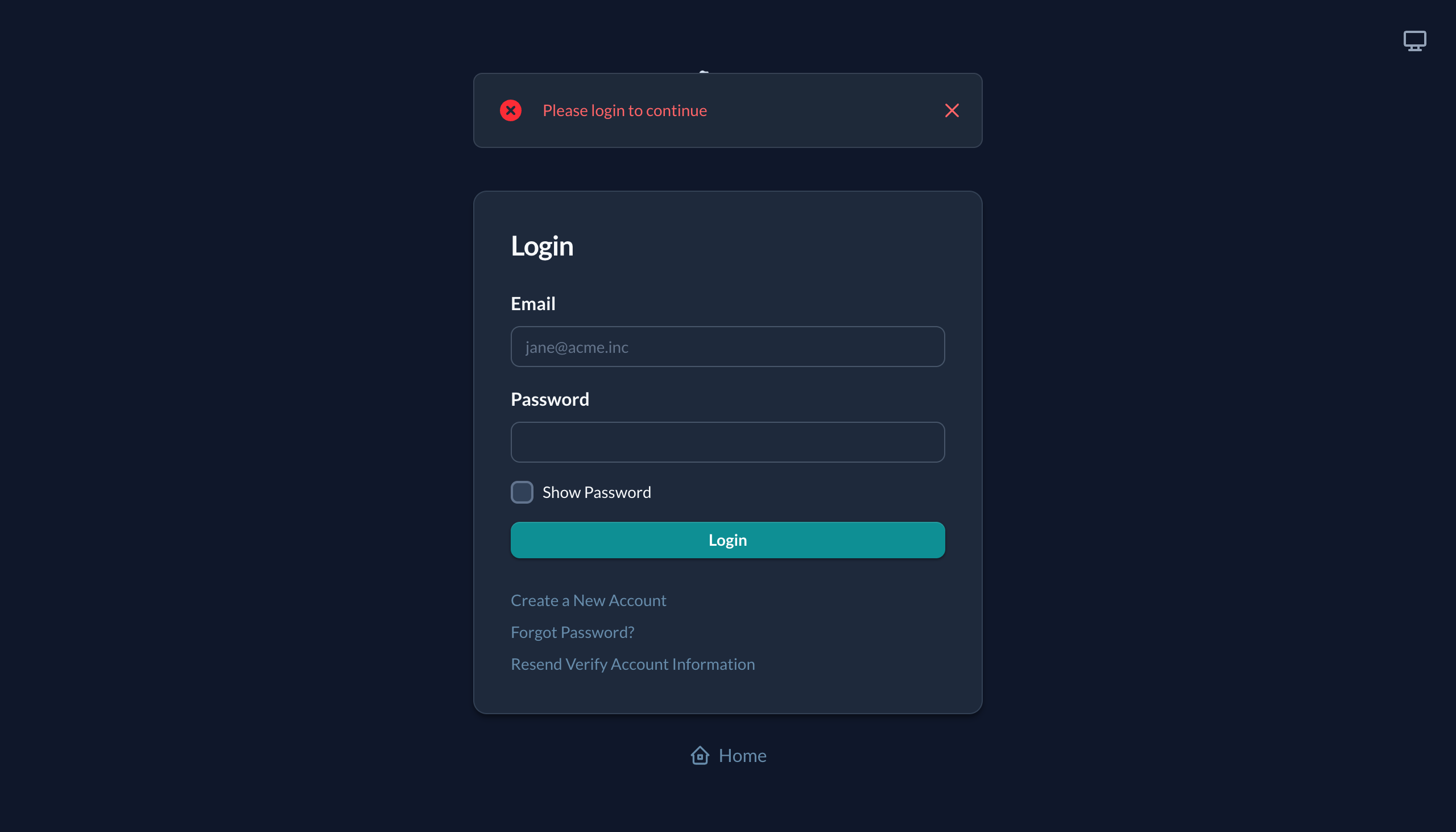
bin/devVisit http://localhost:3000/admin/blogging/posts. You'll be redirected to the login page:
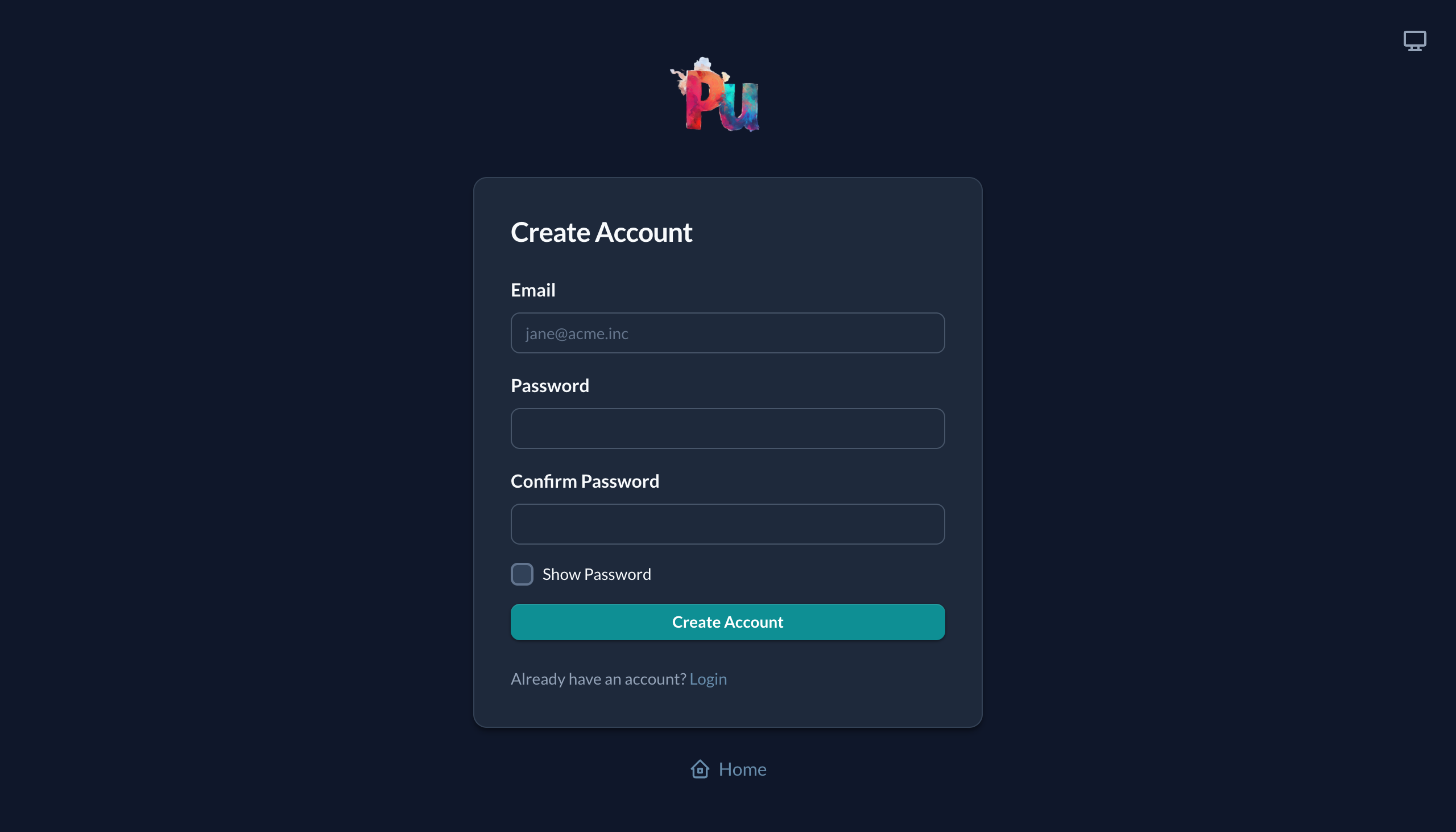
The "Create a New Account" link goes to the same Rodauth-rendered account creation form:
Creating an Admin Account
Admin accounts are created via rake task (web registration is disabled for security):
rails rodauth:admin
# Or with EMAIL environment variable:
EMAIL=admin@example.com rails rodauth:admin
The task will prompt for an email if not provided and send a verification email with password setup instructions.
Now log in with the account you created.
Customizing the Login Page
The login page uses Plutonium's default theme. To customize it:
# packages/admin_portal/app/views/admin_portal/auth/login.rb
module AdminPortal
  module Auth
    class Login < Plutonium::Auth::View::Login
      def page_title
        "Admin Login"
      end

      def welcome_message
        "Sign in to manage your blog"
      end
    end
  end
end
Email Configuration
For password reset and email verification, configure Action Mailer:
# config/environments/development.rb
config.action_mailer.default_url_options = { host: 'localhost', port: 3000 }
config.action_mailer.delivery_method = :letter_opener # Or :smtp for real emails
Creating the User Account Type
Our blog needs users (authors) who can create posts. Let's create a User account type that allows self-registration:
rails generate pu:rodauth:account user
rails db:prepare
This creates a User model similar to Admin, but with public registration enabled.
Linking Posts to Users
Now we can add the author relationship to our Post model. Generate a migration:
rails generate migration AddUserToBloggingPosts user:belongs_toUpdate the migration to add the foreign key (keep the Migration[x.y] version Rails generated for your app):
class AddUserToBloggingPosts < ActiveRecord::Migration[8.0]
  def change
    add_reference :blogging_posts, :user, null: false, foreign_key: true
  end
end
Run the migration:
rails db:prepareUpdate the Post model to include the association:
# packages/blogging/app/models/blogging/post.rb
class Blogging::Post < Blogging::ResourceRecord
  belongs_to :user
  # ... existing code
end
Also update the Post policy to include user in permitted attributes:
# packages/blogging/app/policies/blogging/post_policy.rb
class Blogging::PostPolicy < Blogging::ResourcePolicy
  def permitted_attributes_for_create
    [:title, :body, :published, :user_id]
  end

  def permitted_attributes_for_read
    [:title, :body, :published, :user, :created_at]
  end

  def permitted_associations
    %i[user]
  end
end
Now posts are linked to their authors, which we'll use for authorization in the next chapter.
Multiple Account Types
You can have different account types for different portals:
# Create an author account type (if using a different name than "user")
rails generate pu:rodauth:account author
Then configure each portal's controller concern:
# packages/admin_portal/app/controllers/admin_portal/concerns/controller.rb
include Plutonium::Auth::Rodauth(:admin)

# packages/author_portal/app/controllers/author_portal/concerns/controller.rb
include Plutonium::Auth::Rodauth(:author)
Session Configuration
Rodauth sessions can be configured in the Rodauth plugin:
# app/rodauth/admin_rodauth_plugin.rb
class AdminRodauthPlugin < RodauthPlugin
  configure do
    # Session expires after 30 days
    session_expiration_seconds 30.days.to_i

    # Require re-authentication for sensitive actions
    password_grace_period 3600
  end
end
What's Next
Users can now log in, but anyone can do anything. In the next chapter, we'll implement authorization policies to control access.